Cinema-grade storytelling. In your hands.
The cinematic storytelling engine that turns your story into consistent characters, cinematic shots, and complete videos through one structured workflow.
Your cinematic storytelling engine for long-form narrative
You have a story. PAI gives you the production infrastructure to tell it at a level that used to require a studio.
Get startedWhere much of the market still revolves around single shots, fragments, and short-form generation, PAI is bult for what storytellers actually need: sustaining narrative across scenes, sequences, and story worlds with continuity, coherence and control.
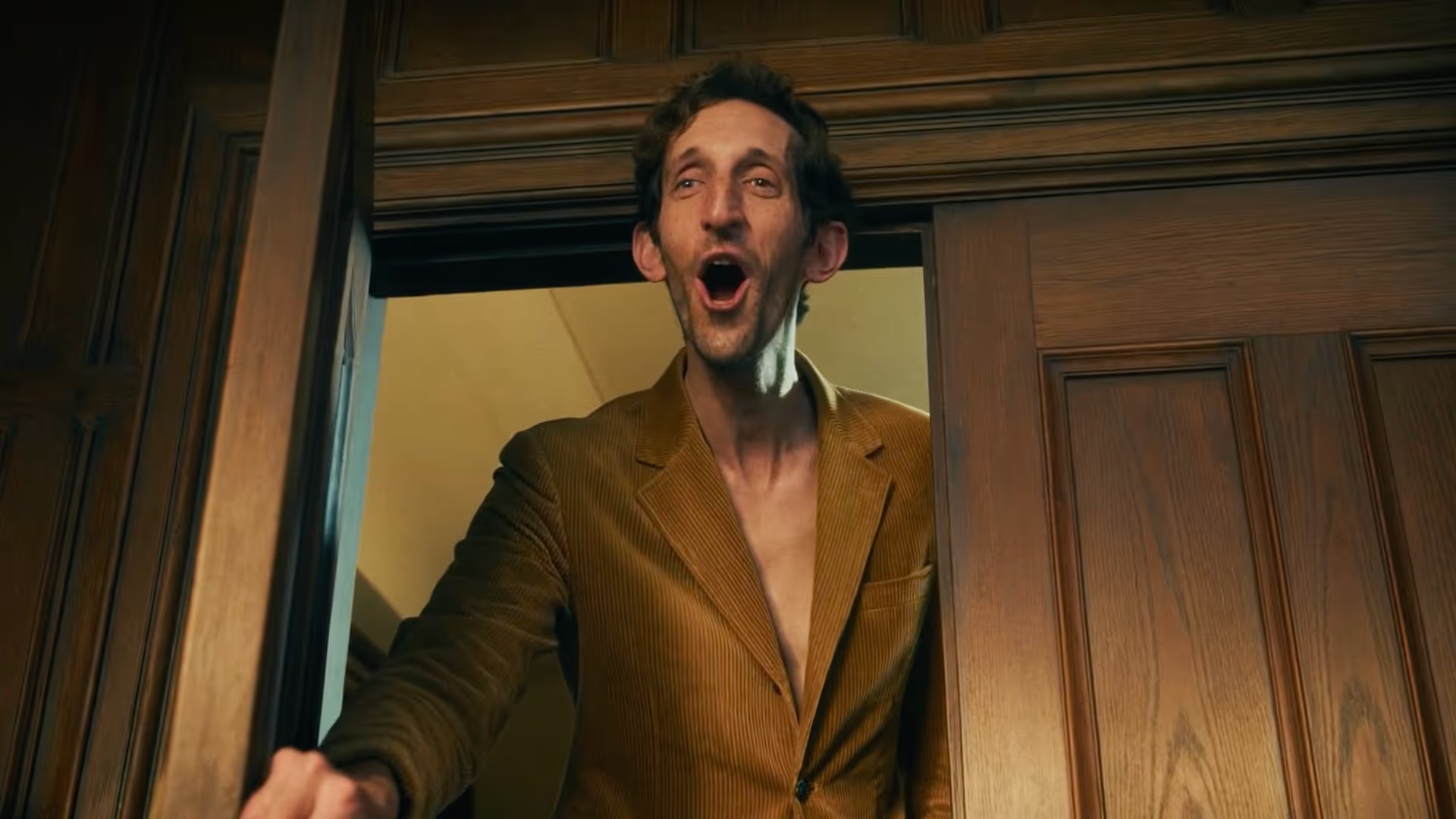
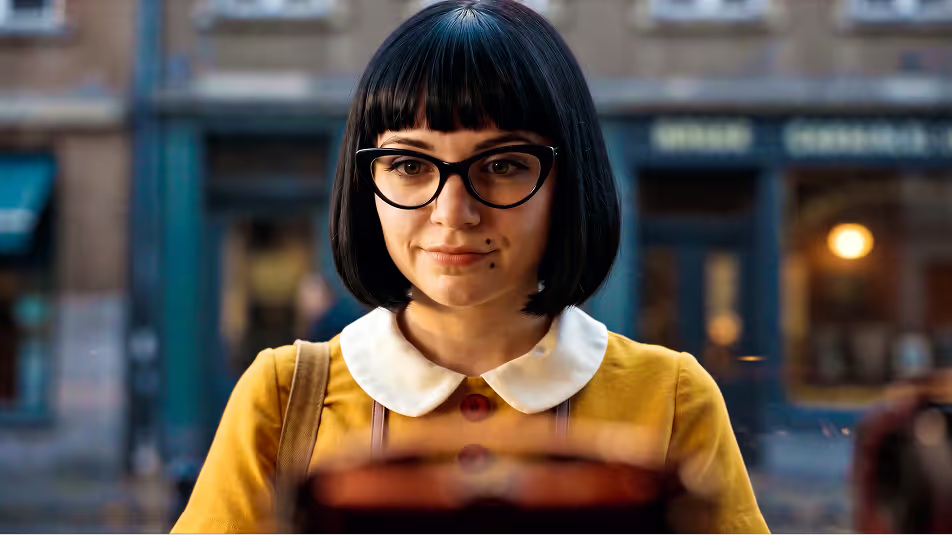
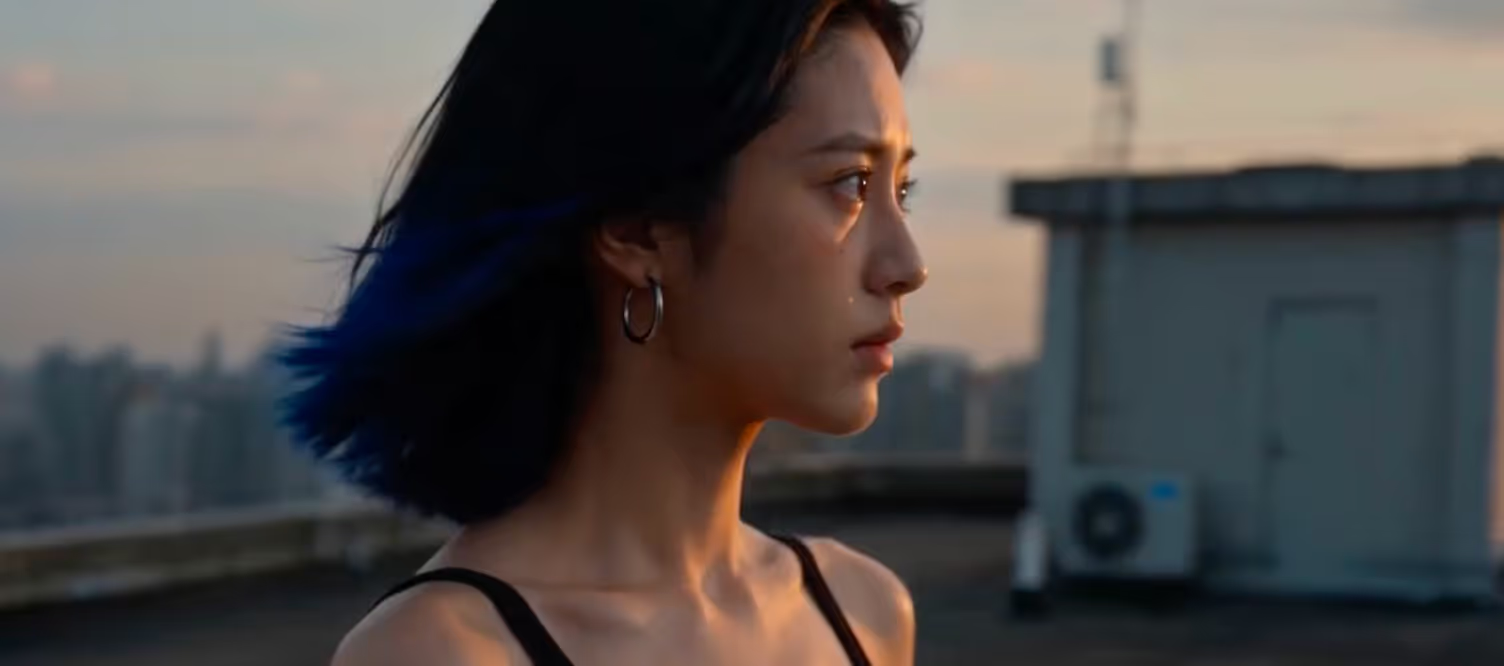
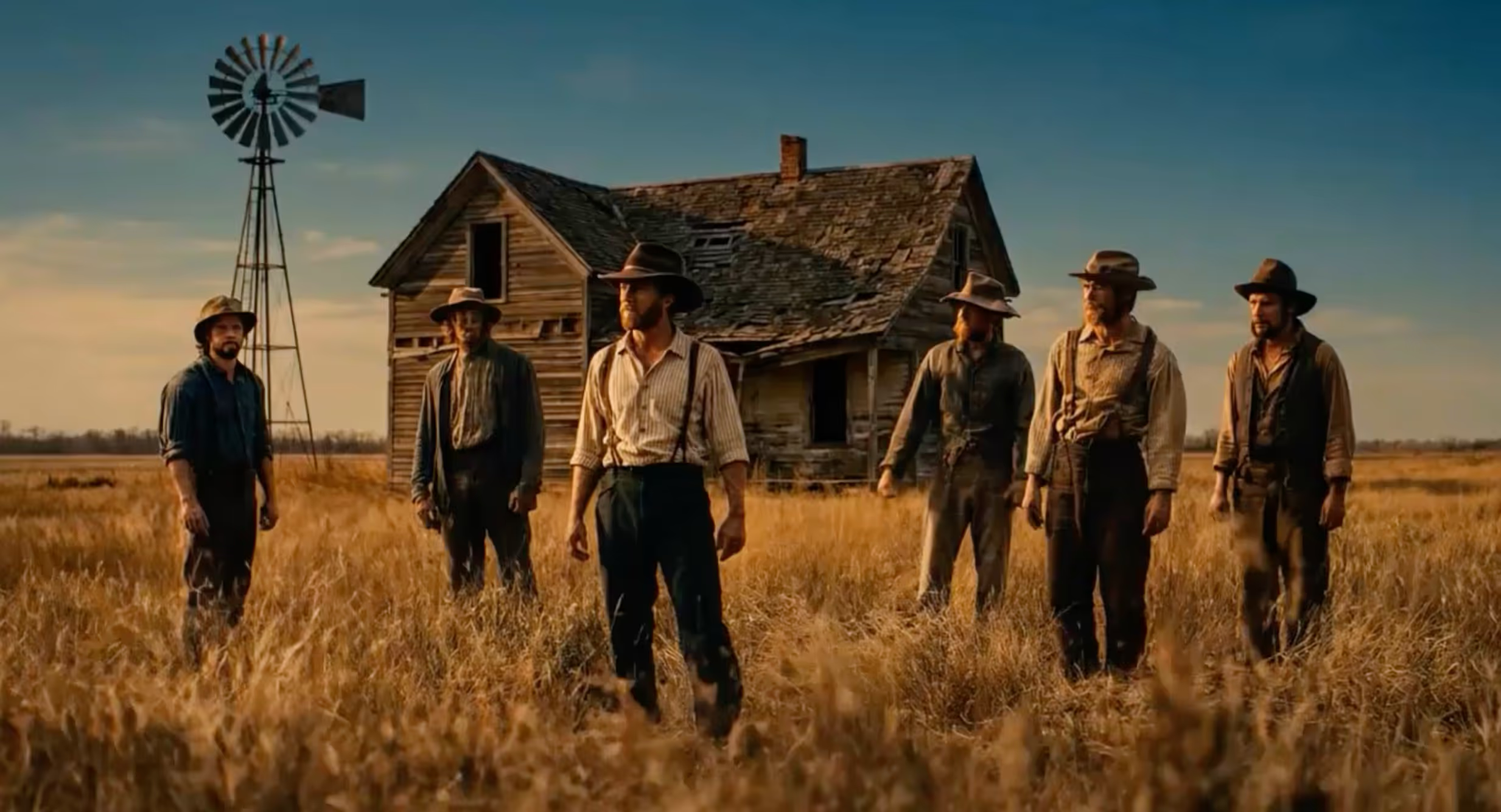
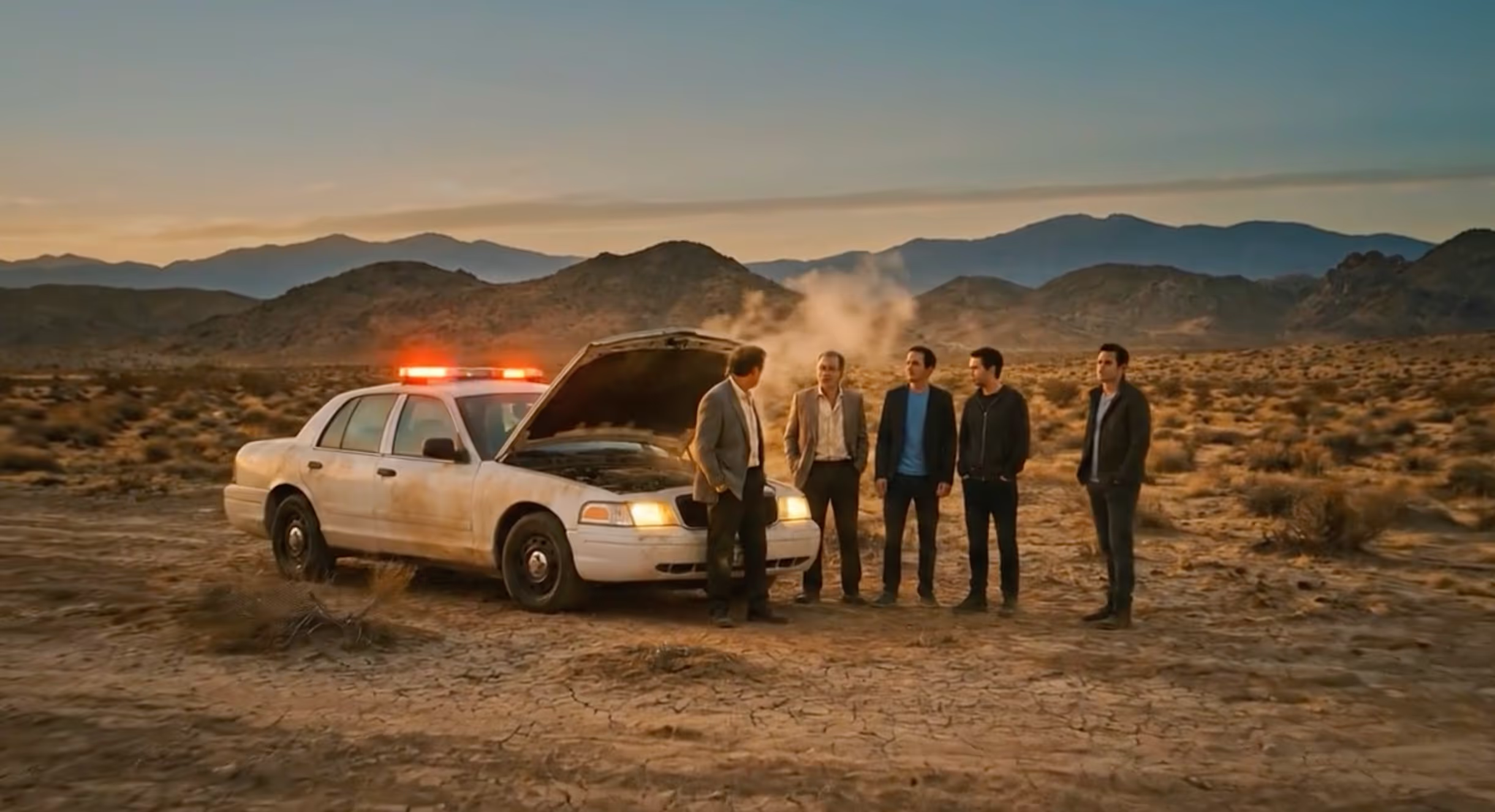
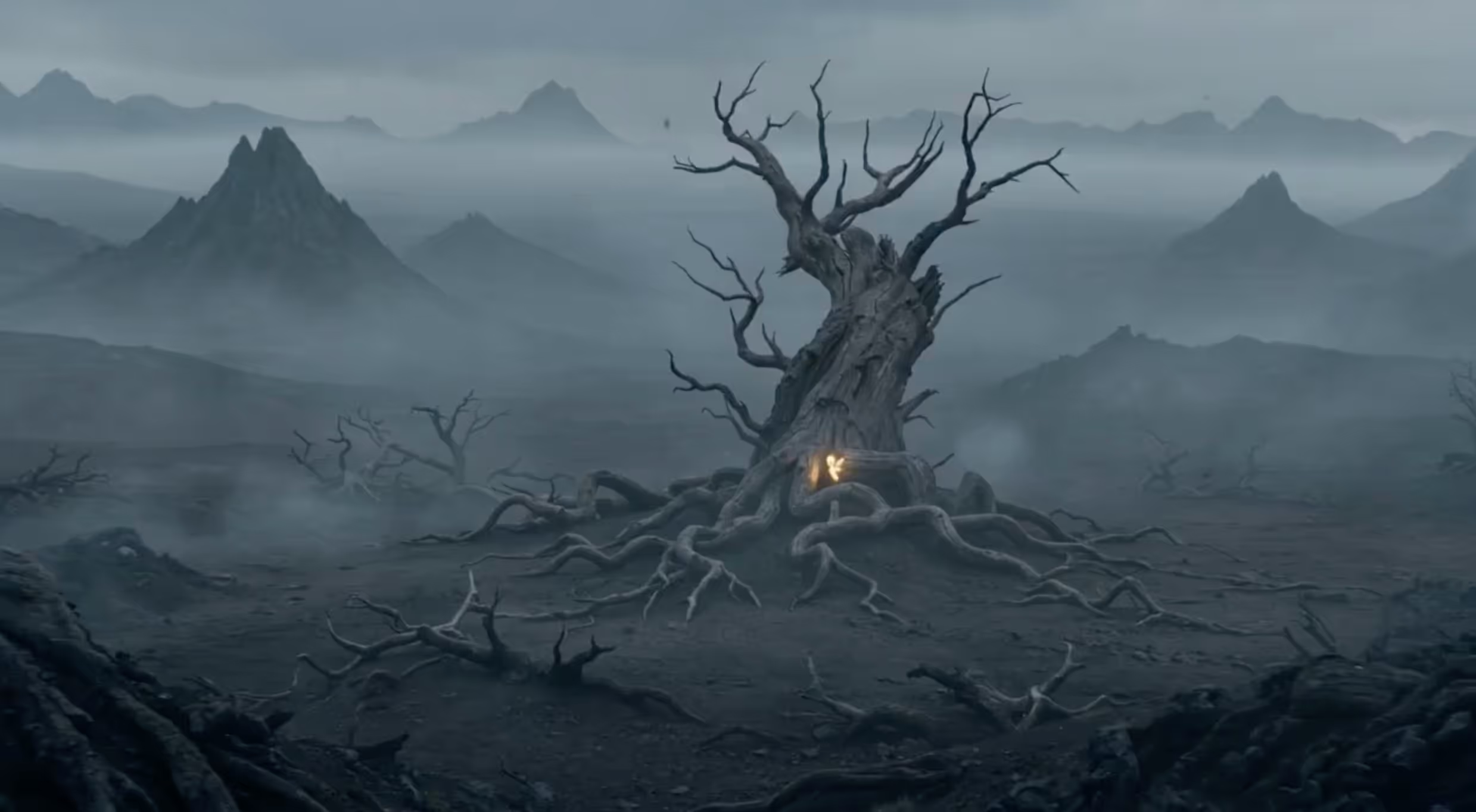
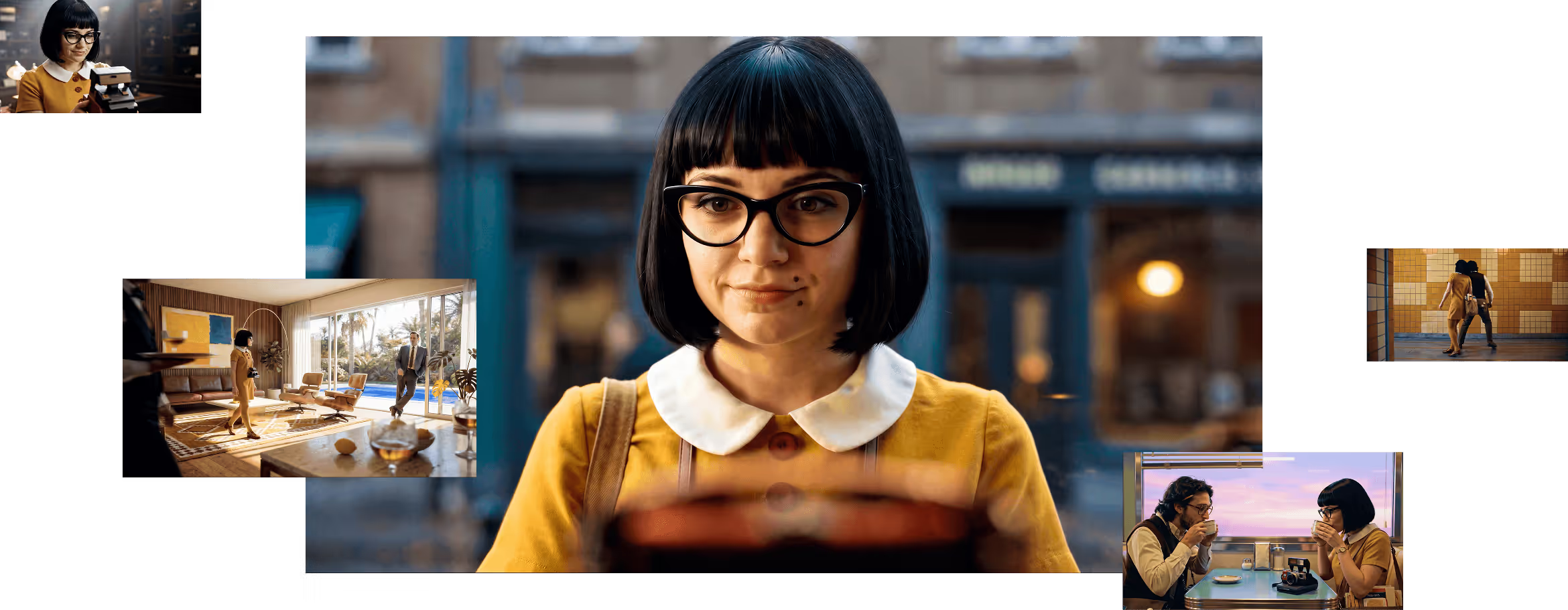
Stories created with Pai.
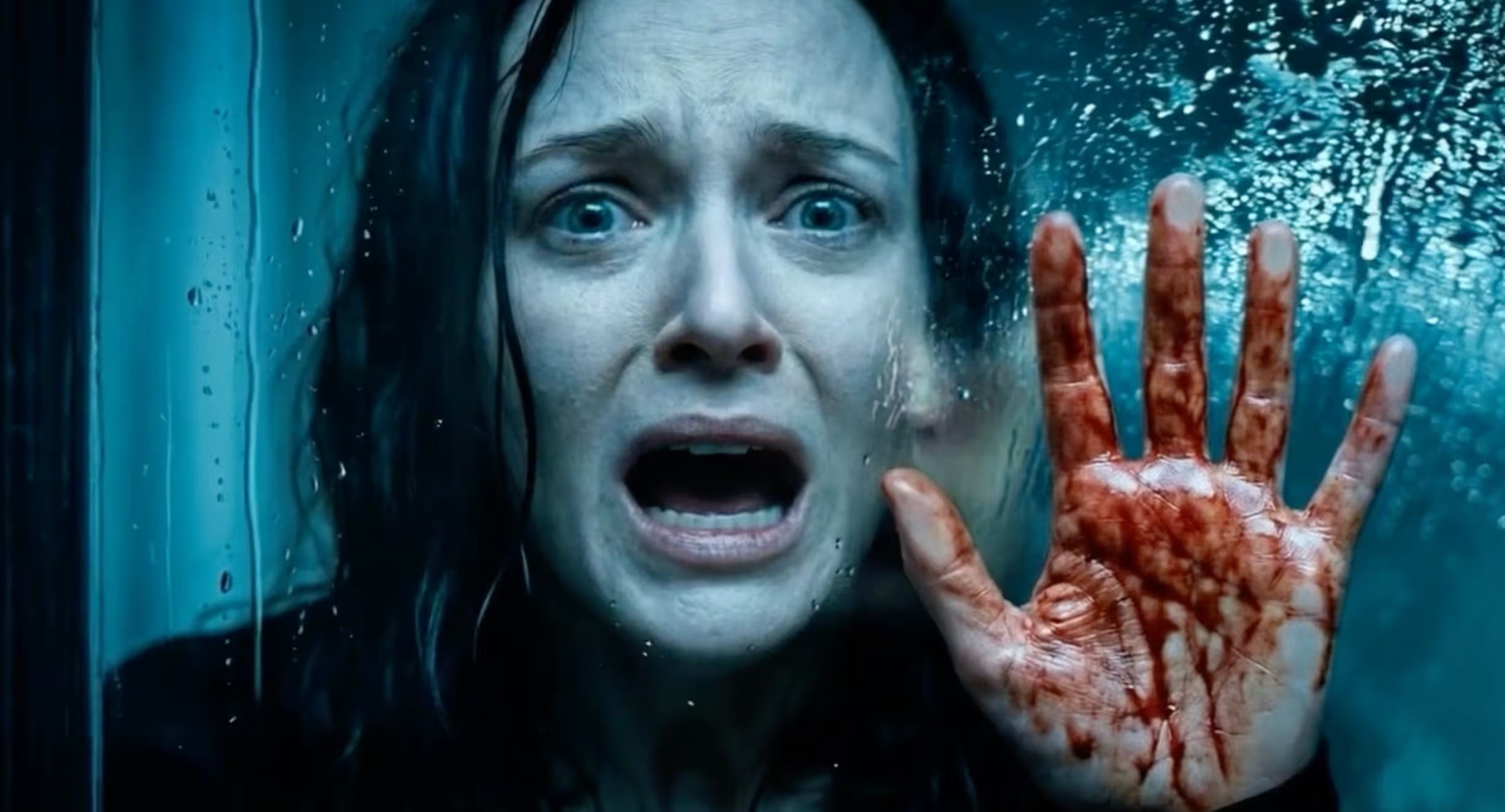
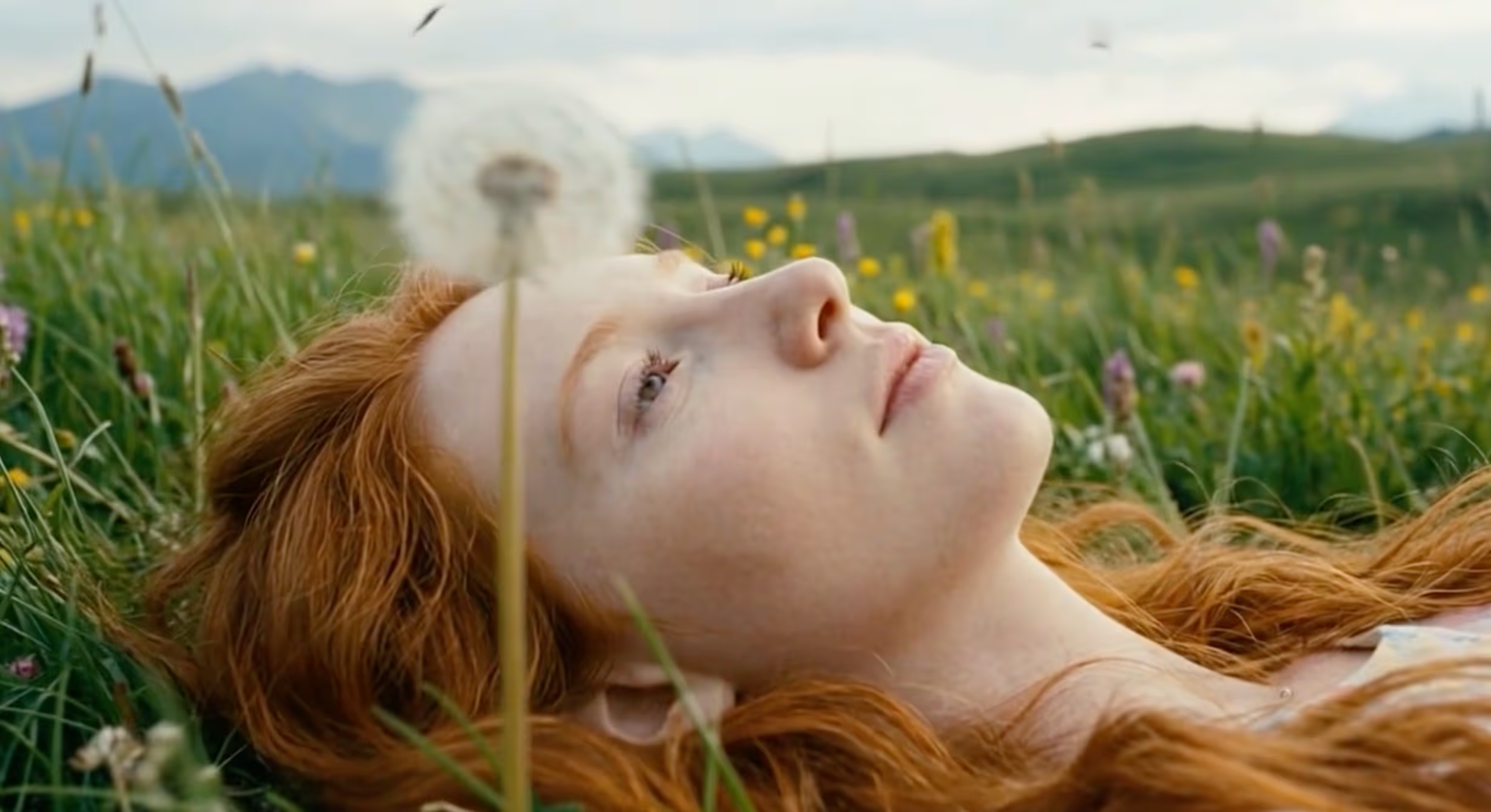
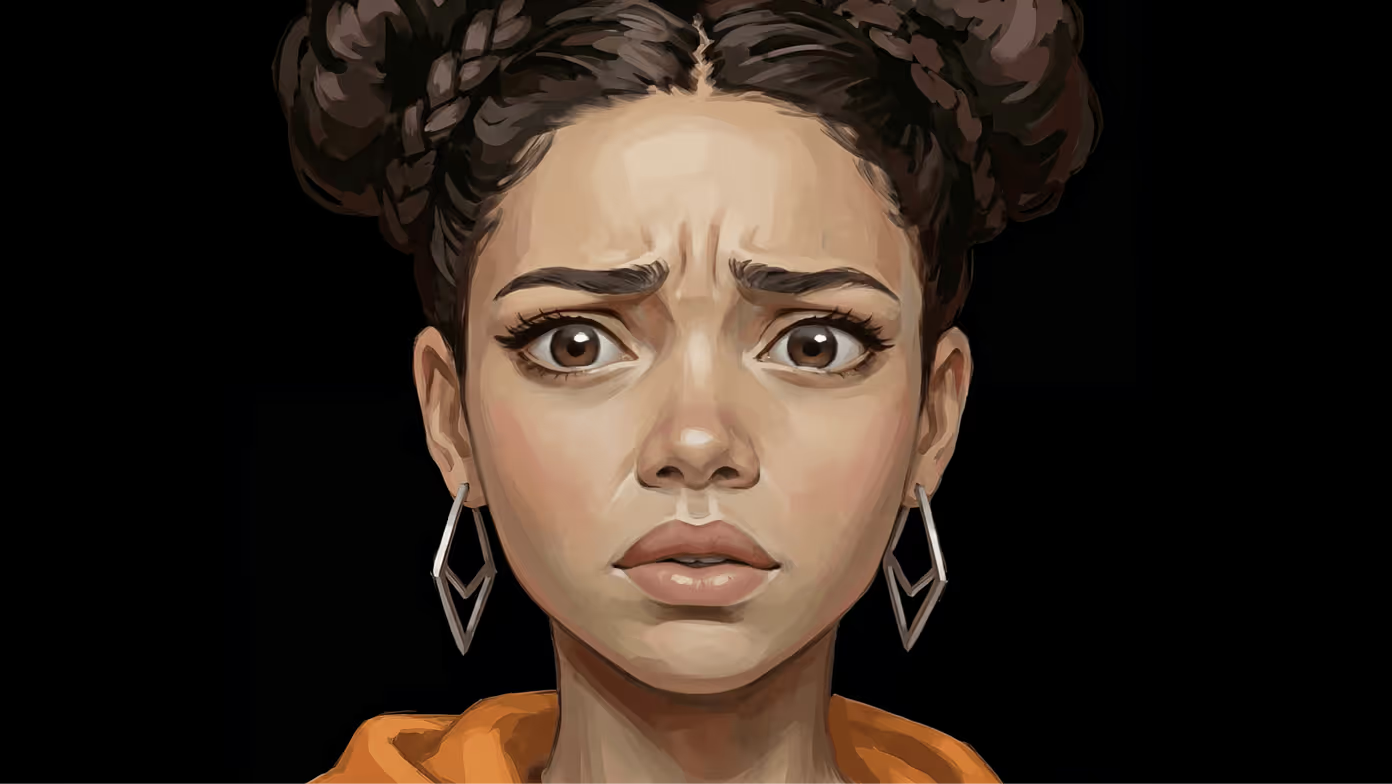

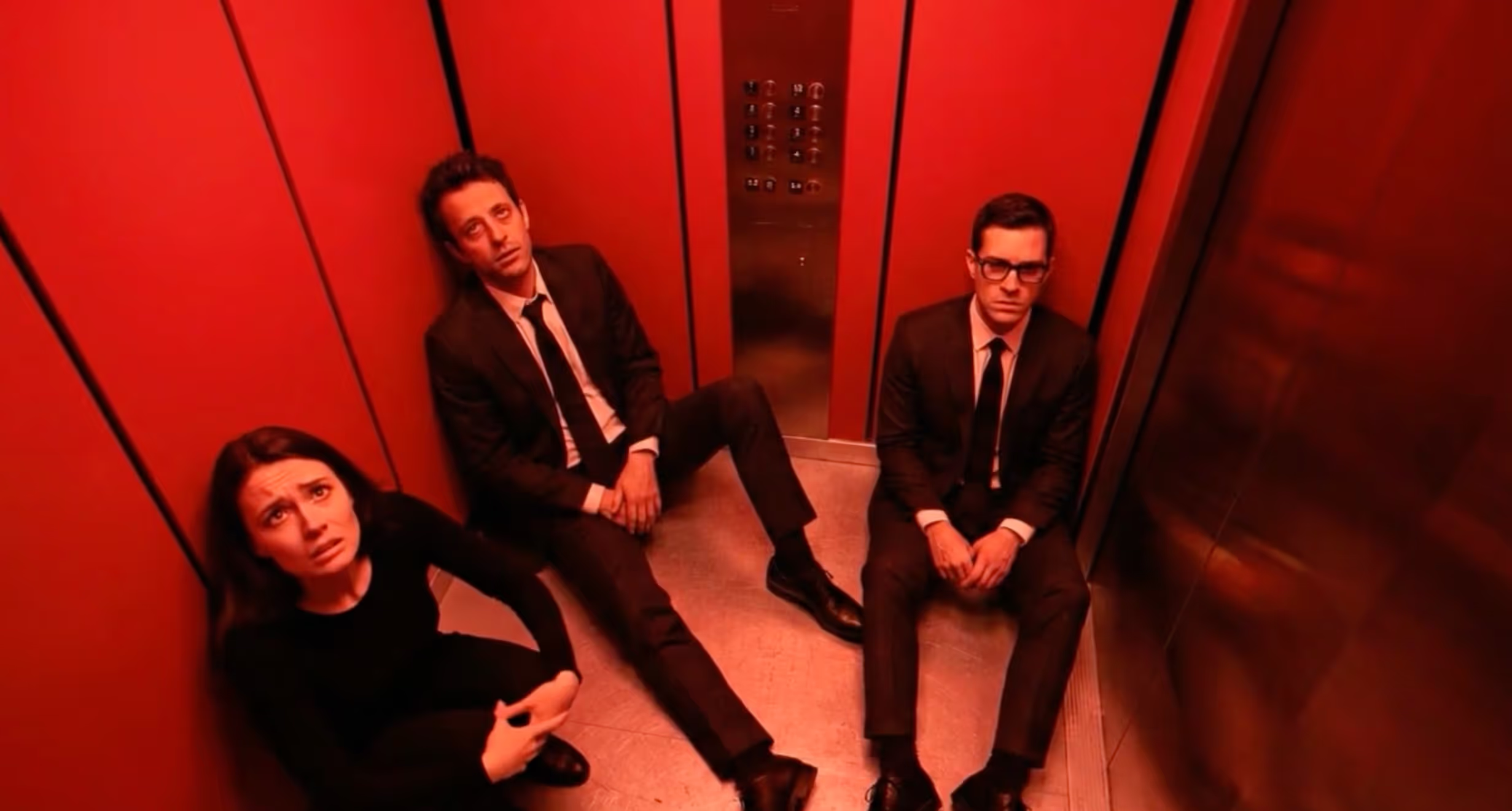
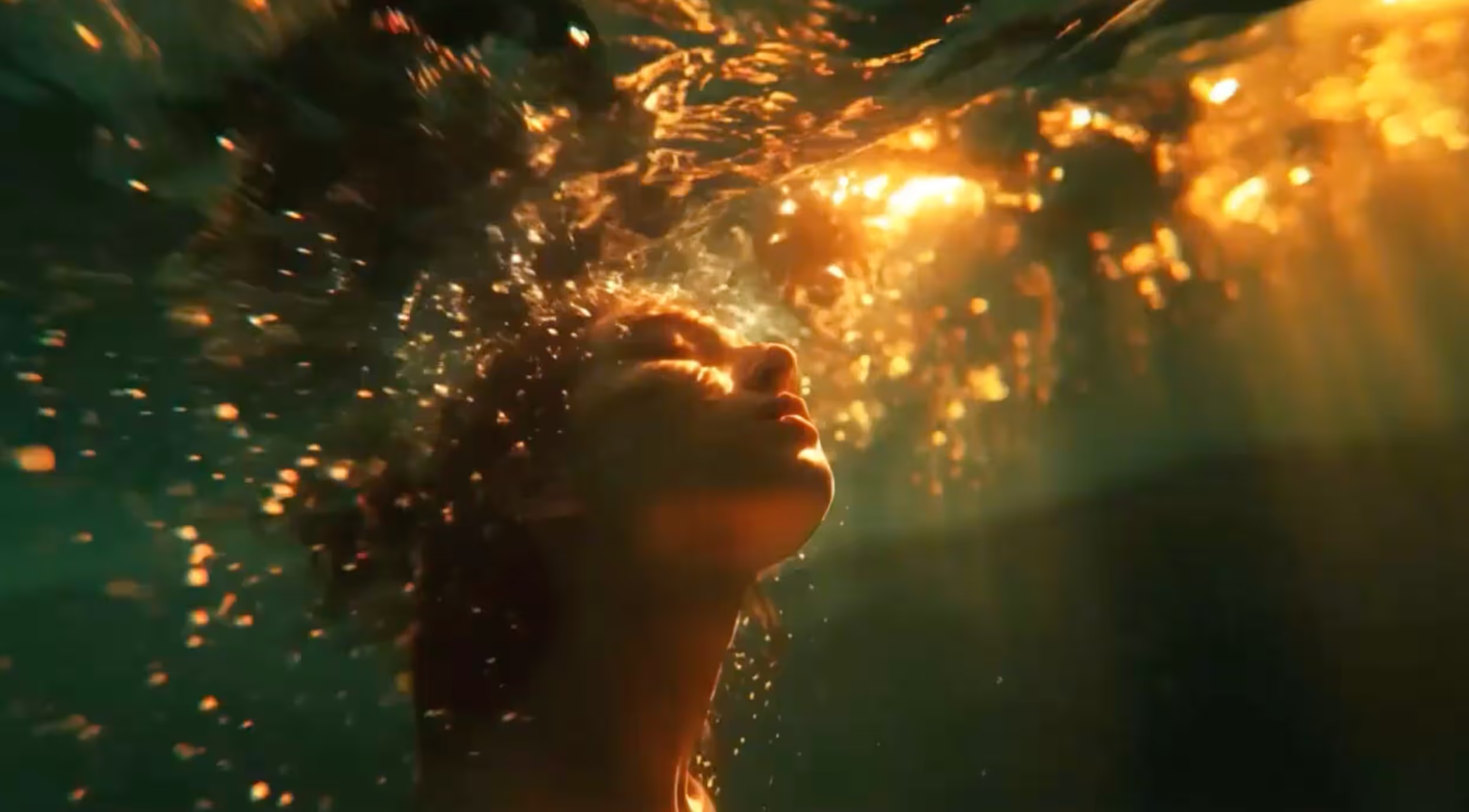
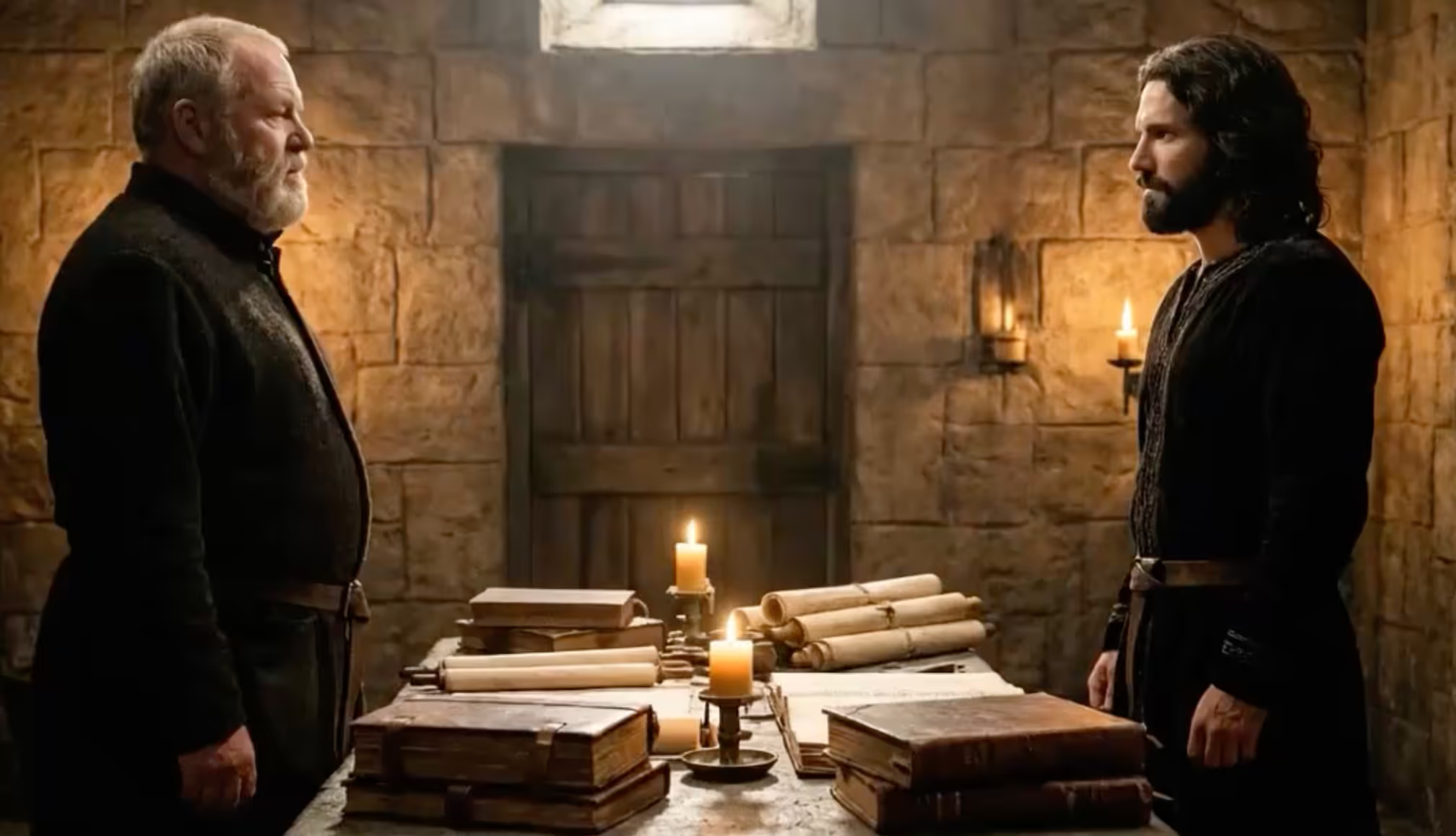
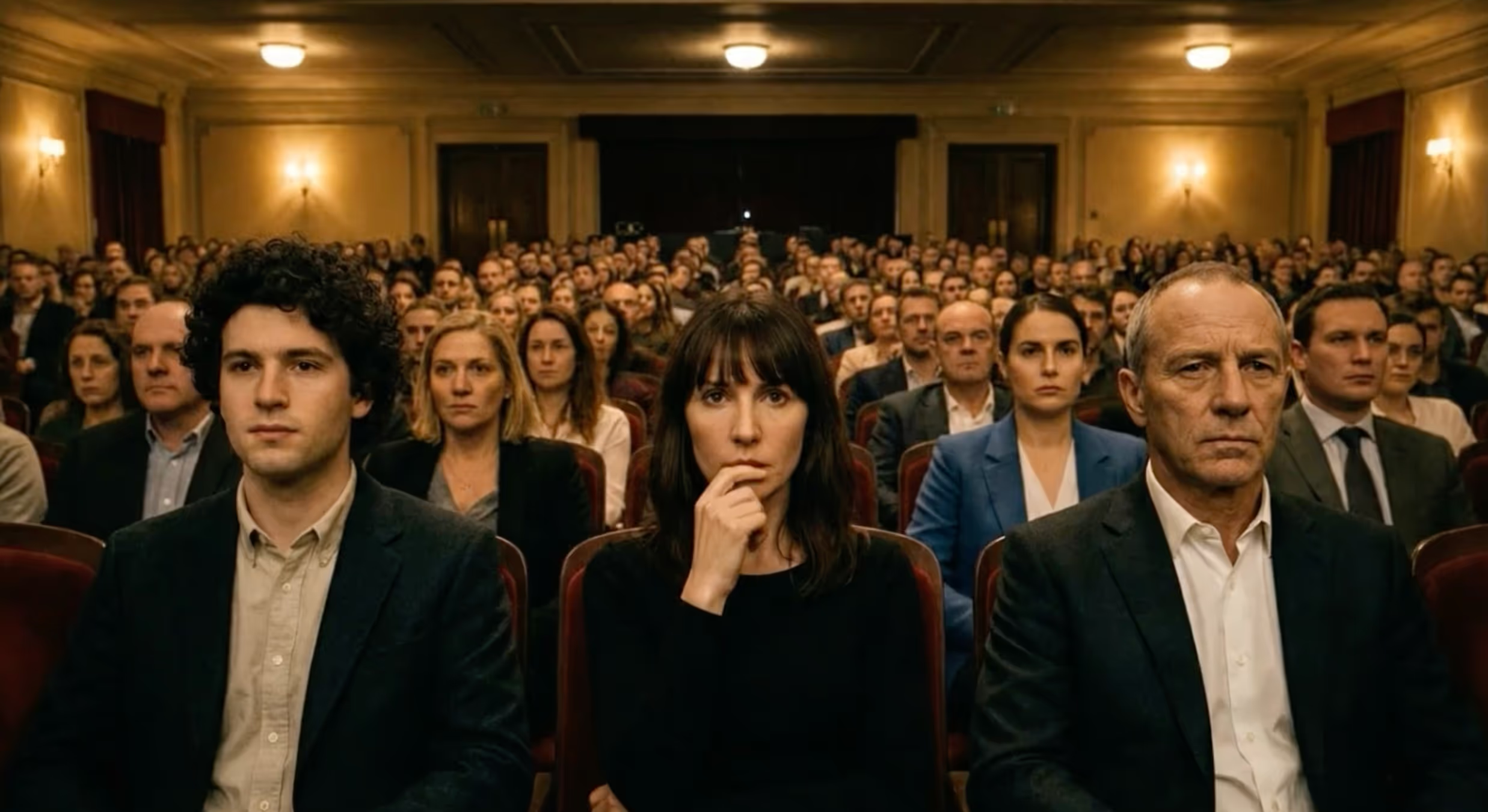
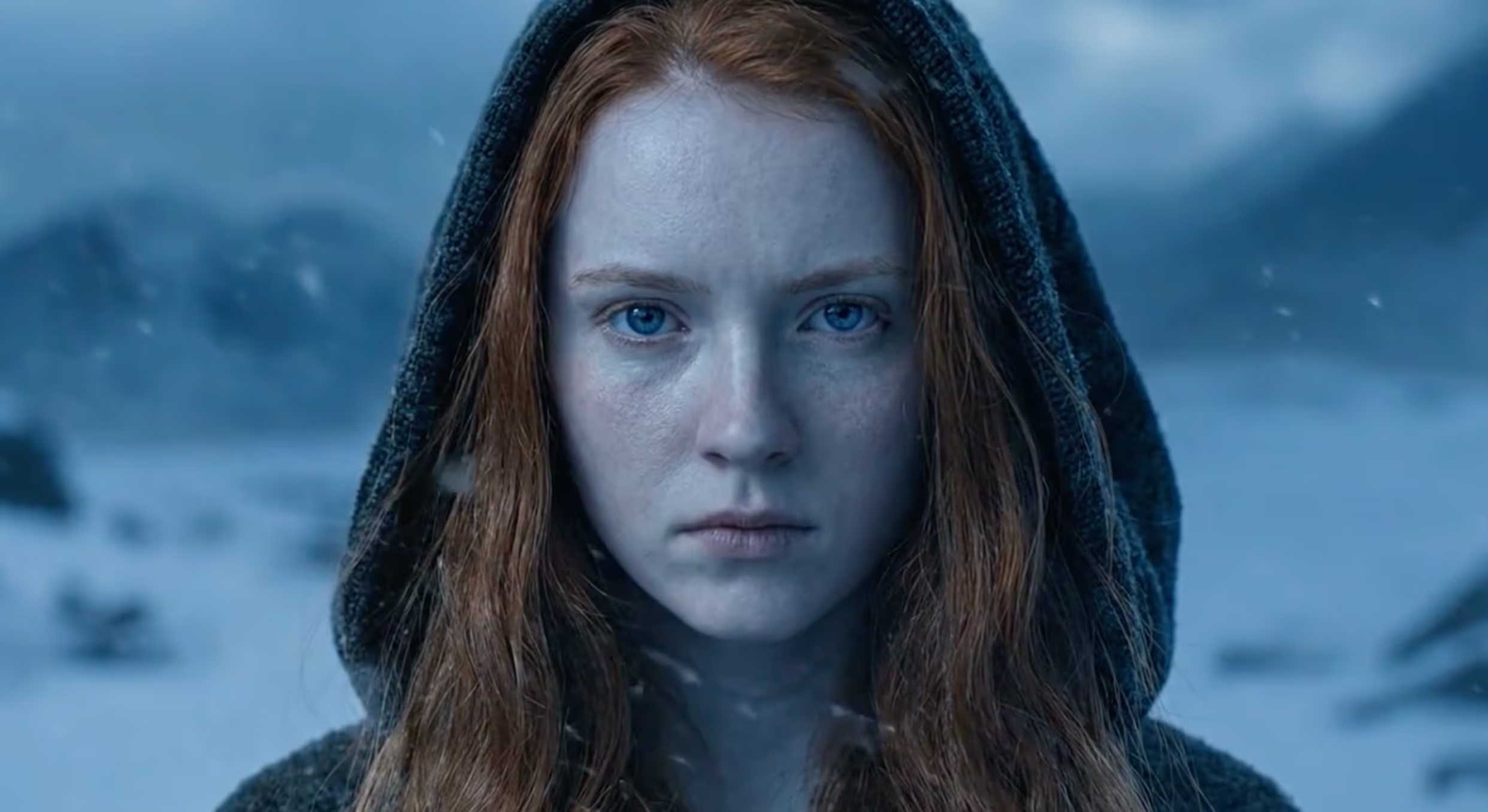

What’s new in PAI 2.0?
It understands your intent, plans the production, generates, and refines. From idea to final cut, it thinks alongside you.
Story, references, shots, and clips on one infinite surface. The creative process becomes visible, editable, and branchable.
Fast variants on demand. up to 9 keyframe candidates on every video clip. Less guessing. More creative control.
Move fast? The agent walks you through. Want full control? Open the Canvas. Switch between them at any point, because both modes share the same creative context.
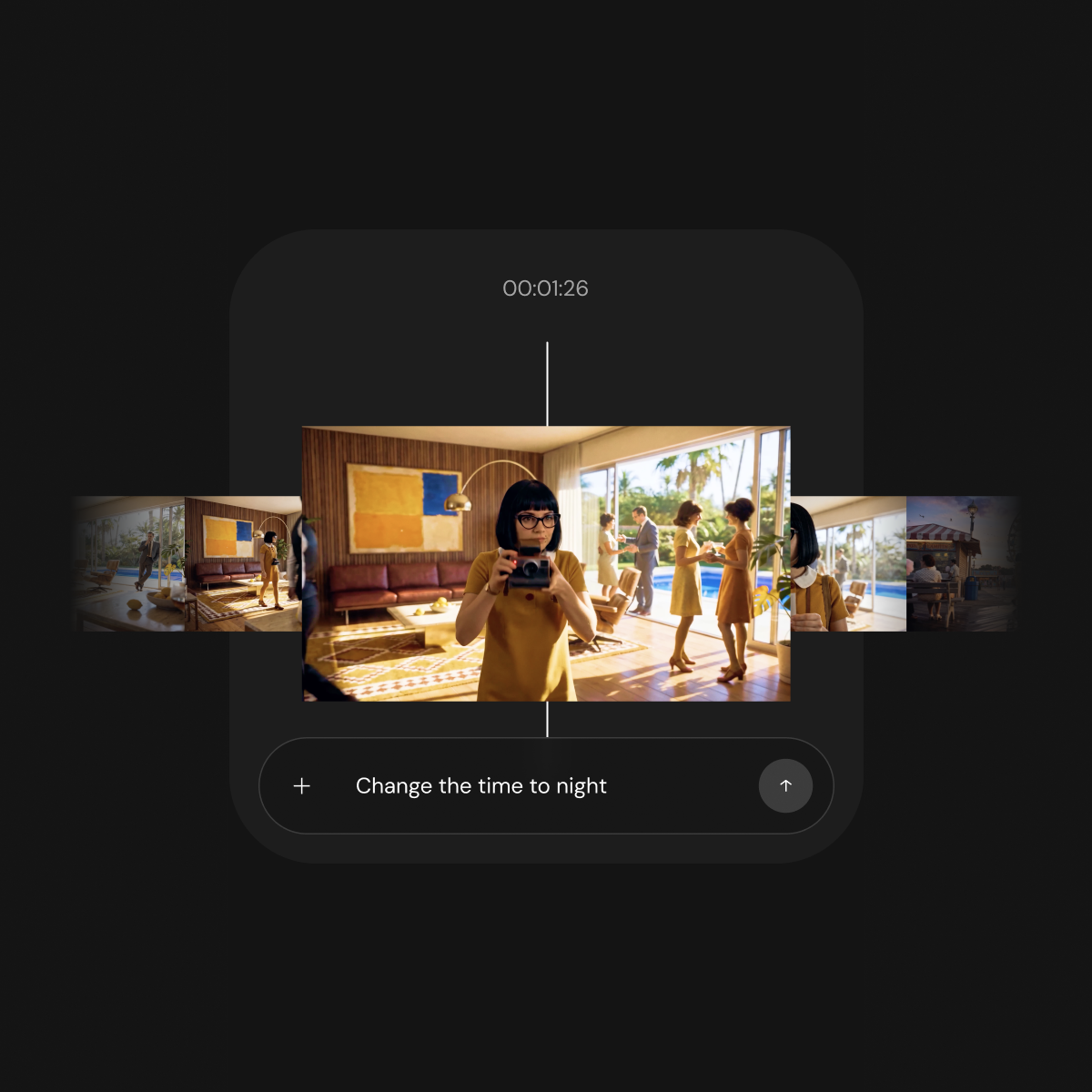
Easy Mode · Guided
The full creative flow, broken into clean stages. One step at a time. Review, edit, generate, move on. You only think about what's in front of you.
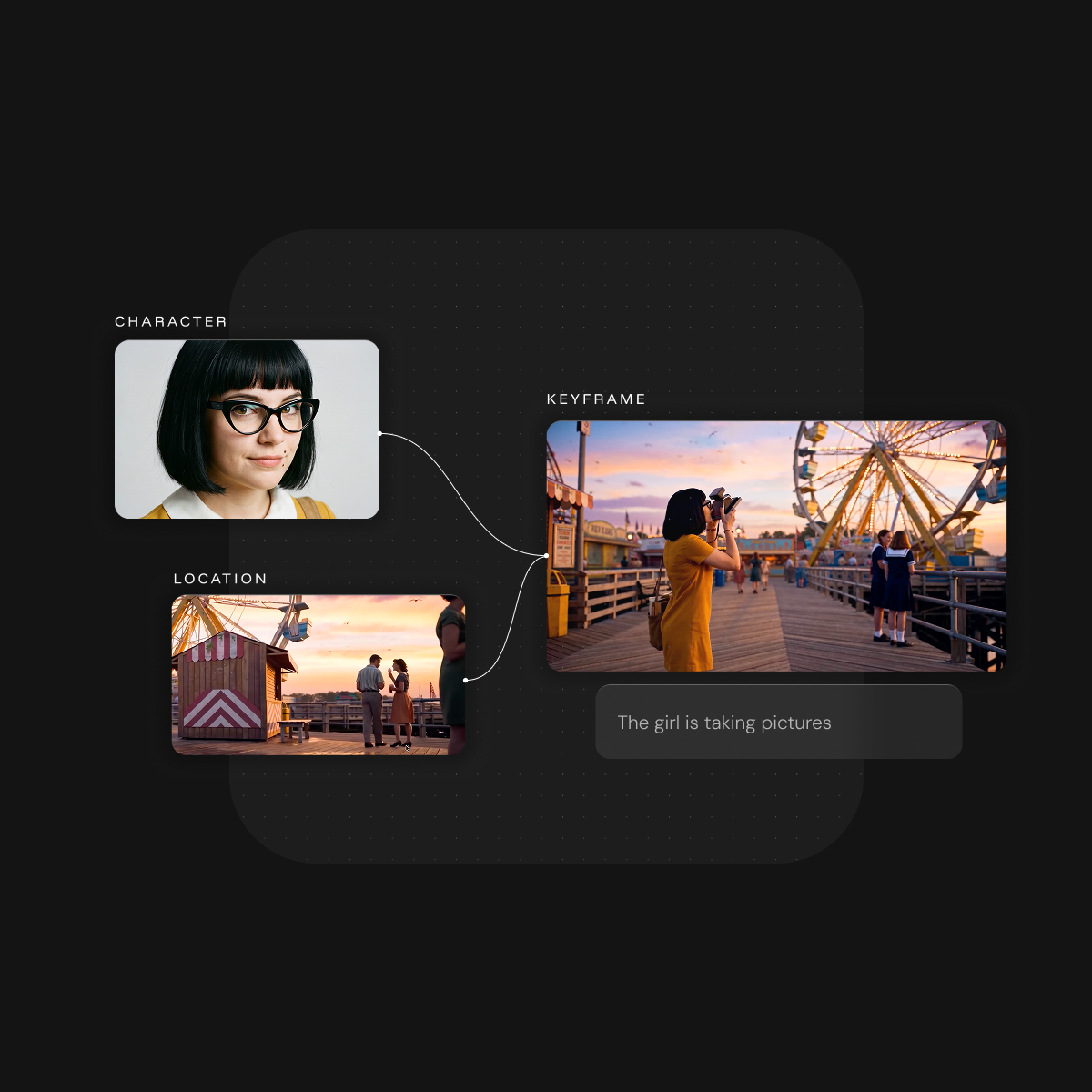
Pro Mode · Canvas
Story, assets, storyboard, and clips. Arrange, branch, compare, and refine on one infinite canvas. Made for creators who want full control.
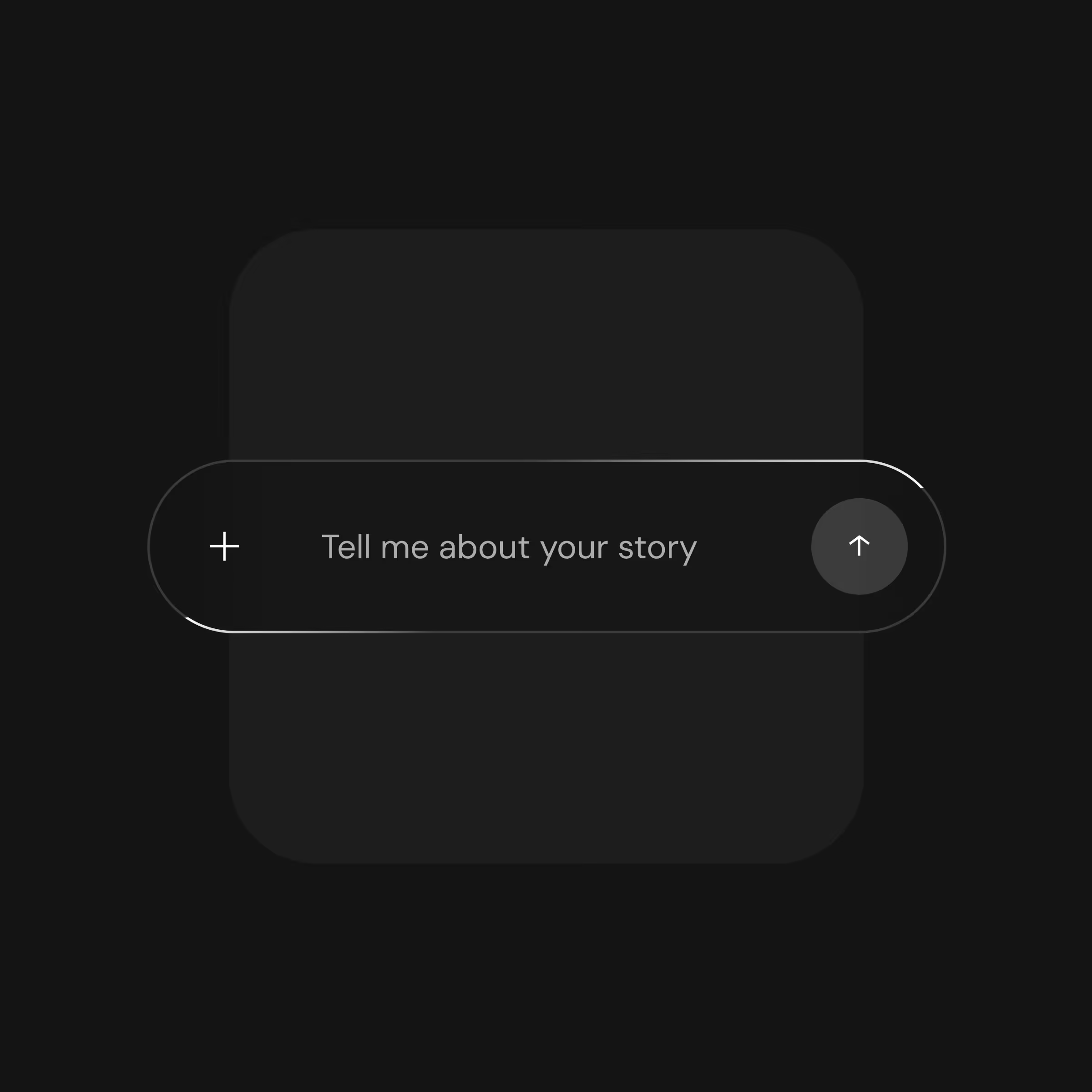
Describe your story, your characters, your world. PAI breaks it down into a structured production plan: scenes, shots, character designs, visual direction.

Charecter, location, object. Every reference gets a persistent visual identity anchored to your script. Generate multiple versions, refine with natural language, and lock in the look that matches your vision. The same face, the same style, in every shot and every clip.

SCRIPT-DRIVEN
References are extracted directly from your screenplay. Every visual identity is grounded in the story's context, tone, and world from the start.
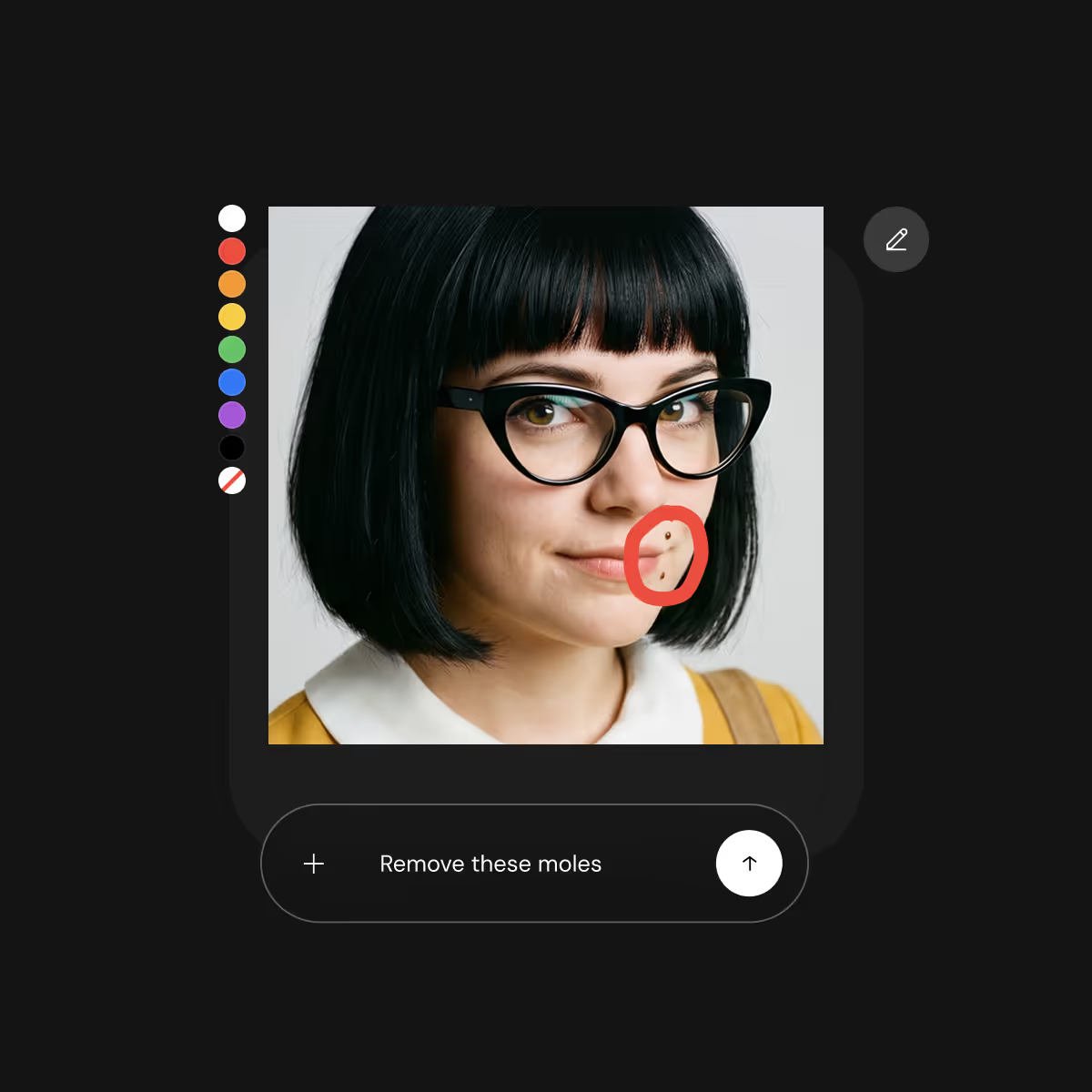
Fine-tuning
Refine references using natural language, reference images, or inpainting, until you reach the look you want.
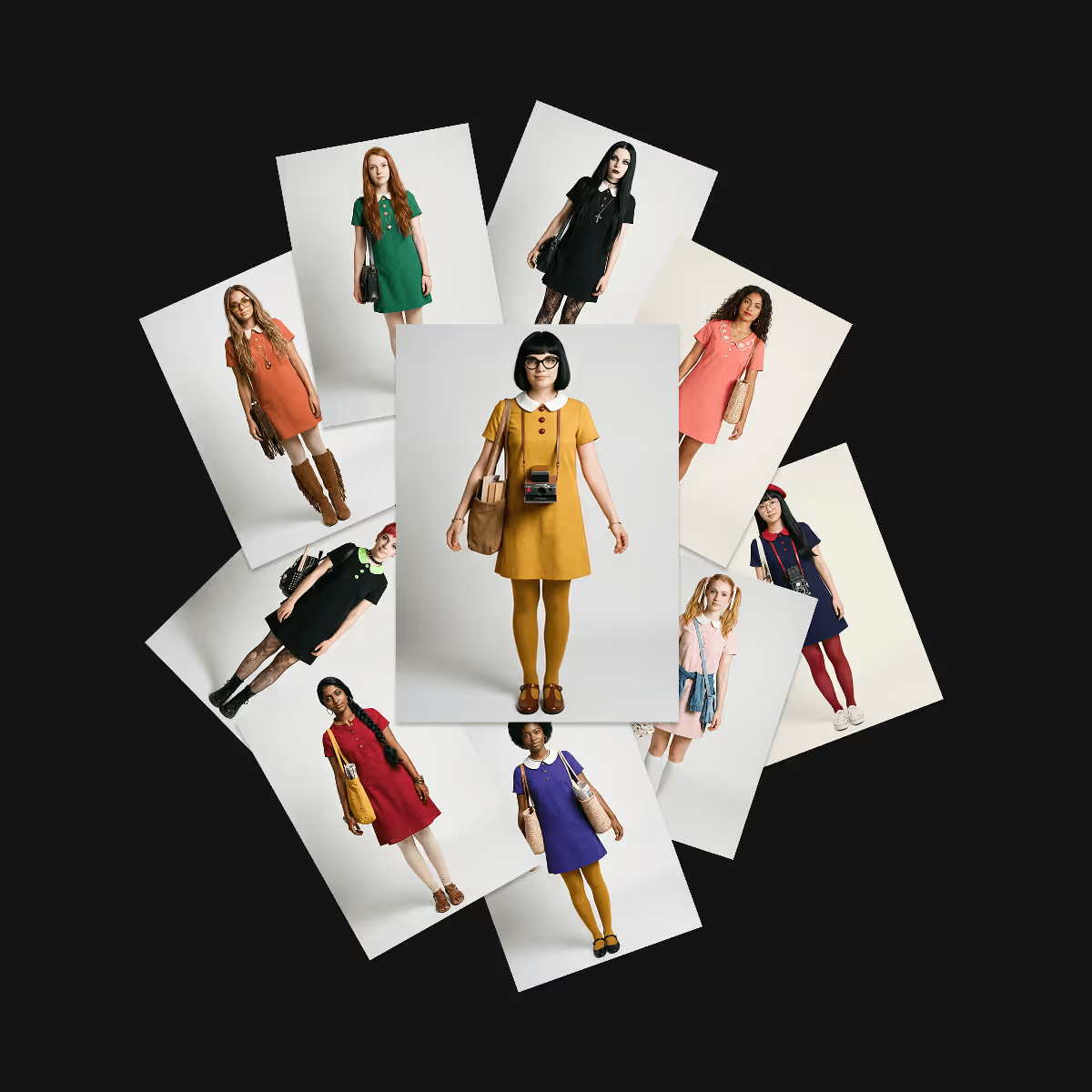
History
Create multiple versions for each reference as you iterate toward your creative vision. Every version is saved, so you can revisit or revert at any time.
Camera control
Choose your camera type and angle for every shot. Set the lens, the distance, the perspective. Real filmmaking controls in a structured AI workflow.
AI-suggested
PAI reads your script and suggests shots that serve the story. Accept, modify, or regenerate. Every suggestion is a starting point, not a final answer.
Shot history
Generate several versions of each shot and compare them side by side. Choose what works, iterate further, and stay in creative control at every step
inpainting
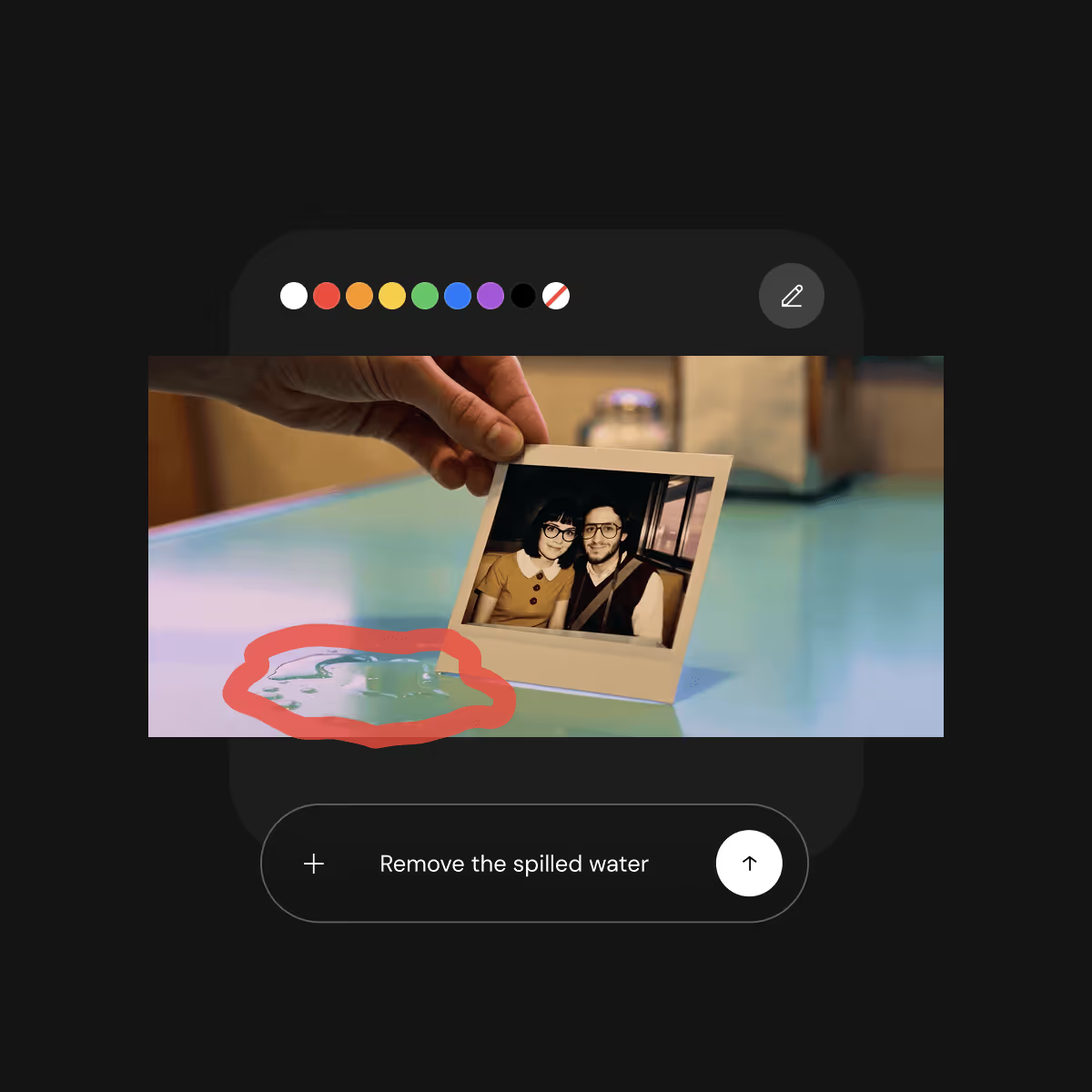
Paint over any area of a keyframe and describe what you want changed. Precise adjustments without regenerating the entire shot.
Your whole film laid out on one surface: story beats, references, shots, takes, and alternative cuts, all draggable, editable, and branchable.
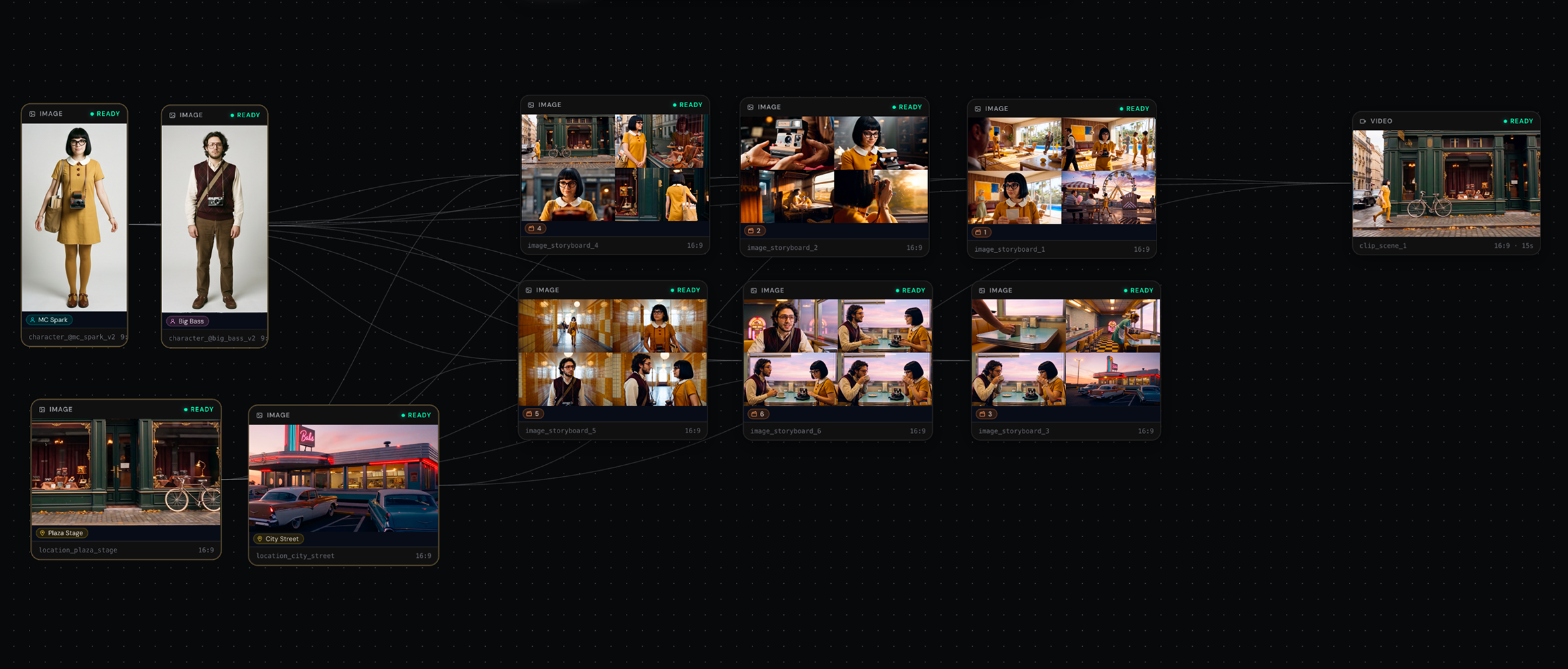
VISIBLE
From story to shot, every stage of creation lives on one screen.
BRANCHABLE
Three versions of the same beat. Side by side. Pick the best.
EDITABLE
Swap references, tweak prompts, regenerate. No switching between tools.
PERSISTENT
Characters, palette, story arc. The agent remembers everything across your entire project.
Every layer of has been upgraded. From first concept to final polish, faster and more controllable at every step.
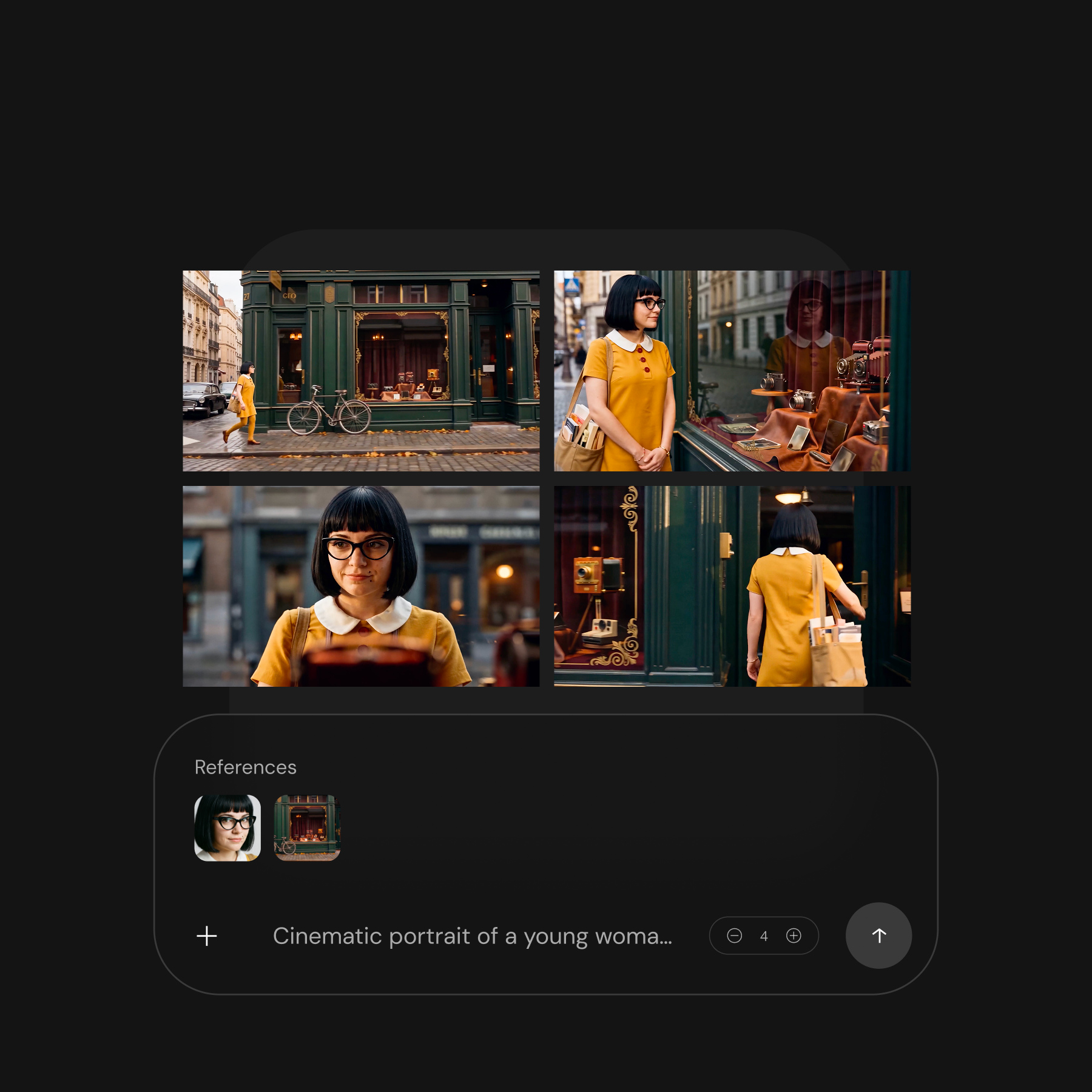
One idea, multiple directions, instantly. Explore wide, refine fast. No waiting between creative decisions.
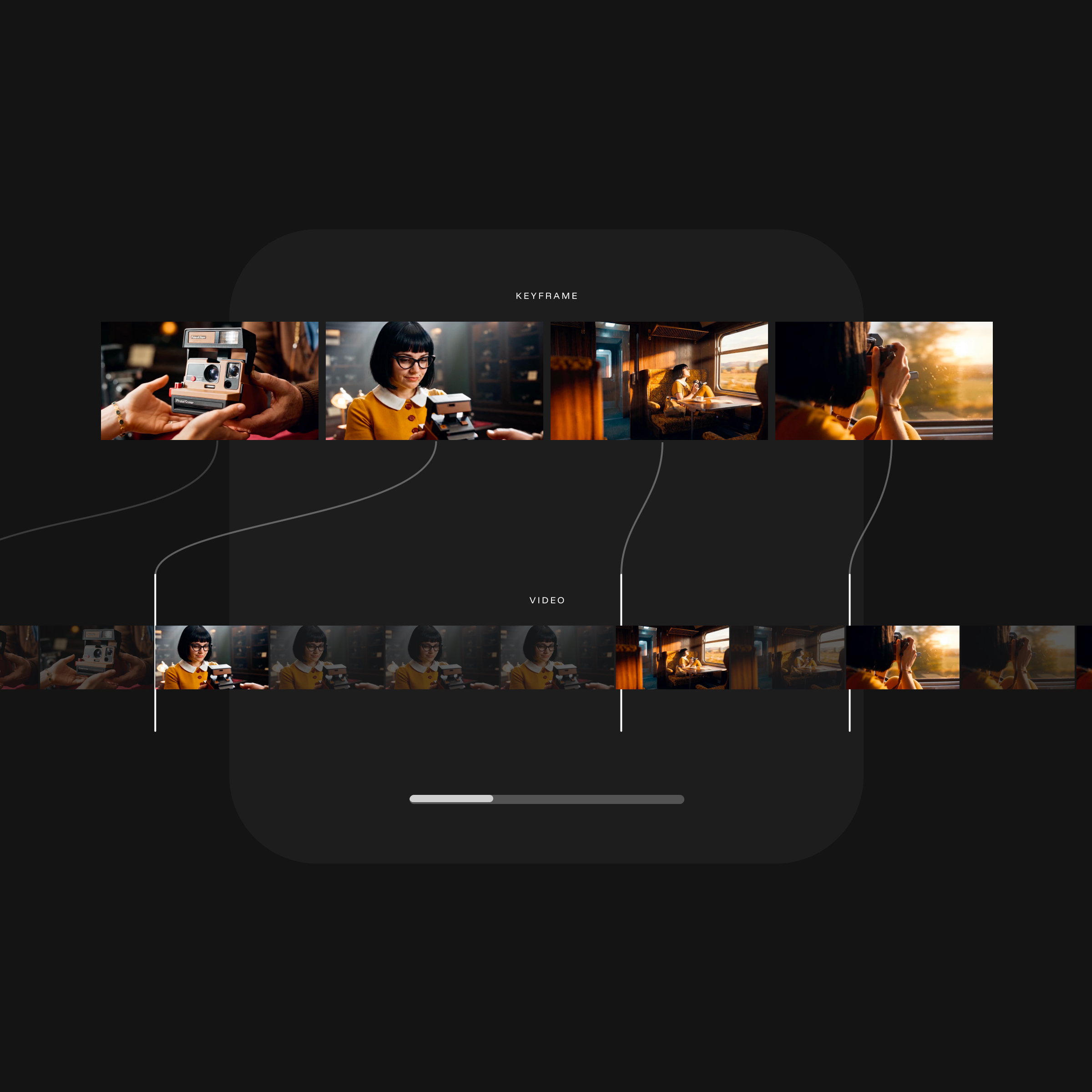
Every video clip ships with up to 9 keyframe candidates. See all directions at a glance, pick one, go deep.
Full preview
View your complete narrative from start to finish, with all scenes combined into a single cut, exactly as you created it.
Transparent pricing
Every generation shows a clear credit cost before you confirm. No hidden fees, no surprises. Failed generations are automatically refunded.
Pro formats
Export your assets and continue the professional editing on Premiere Pro, DaVinci Resolve, ProRes, and more.
Talk and improve
If something is not quite right, tell the agent and refine any asset until you reach the result you desire.
.avif)
up to 4K
Choose your aspect ratio, resolution, and output settings. From vertical social content to widescreen cinema.
Go back and refine
Return to any step, refine your work, and continue shaping your story as it evolves.

Production-grade: Each shot becomes a production-grade video with motion, camera movement, and rhythm. Up to 180 seconds of continuous 4K generation.
Consistent: Characters stay consistent from first scene to last. Environments hold and visual language locks. PAI understands your story, not just your prompt, so every frame serves the narrative you're building.
Full Creative Control: Direct with words. PAI listens, interprets, and shapes each scene to match your vision. You control pacing, tone, and performance across every shot in your story.
Get notified
The future of storytelling, in your inbox.